How to install
Install RussWave quickly and easily. Select your operating system below and follow the steps to get started with the plugin.
Mac
Download the macOS version of your product. Double-click the ZIP file if the download is compressed. Then, open the DMG file.
Double-click the PKG file to start the installation. Verify that the correct RussWave product is displayed, and click Continue.
Follow the wizard and read the installation information and license terms. If you accept the terms, select Accept / Agree to continue.
See the default options for the formats included with the product. Click Install, and approve with your Mac's administrator password or Touch ID if prompted. Wait until the installation is complete.
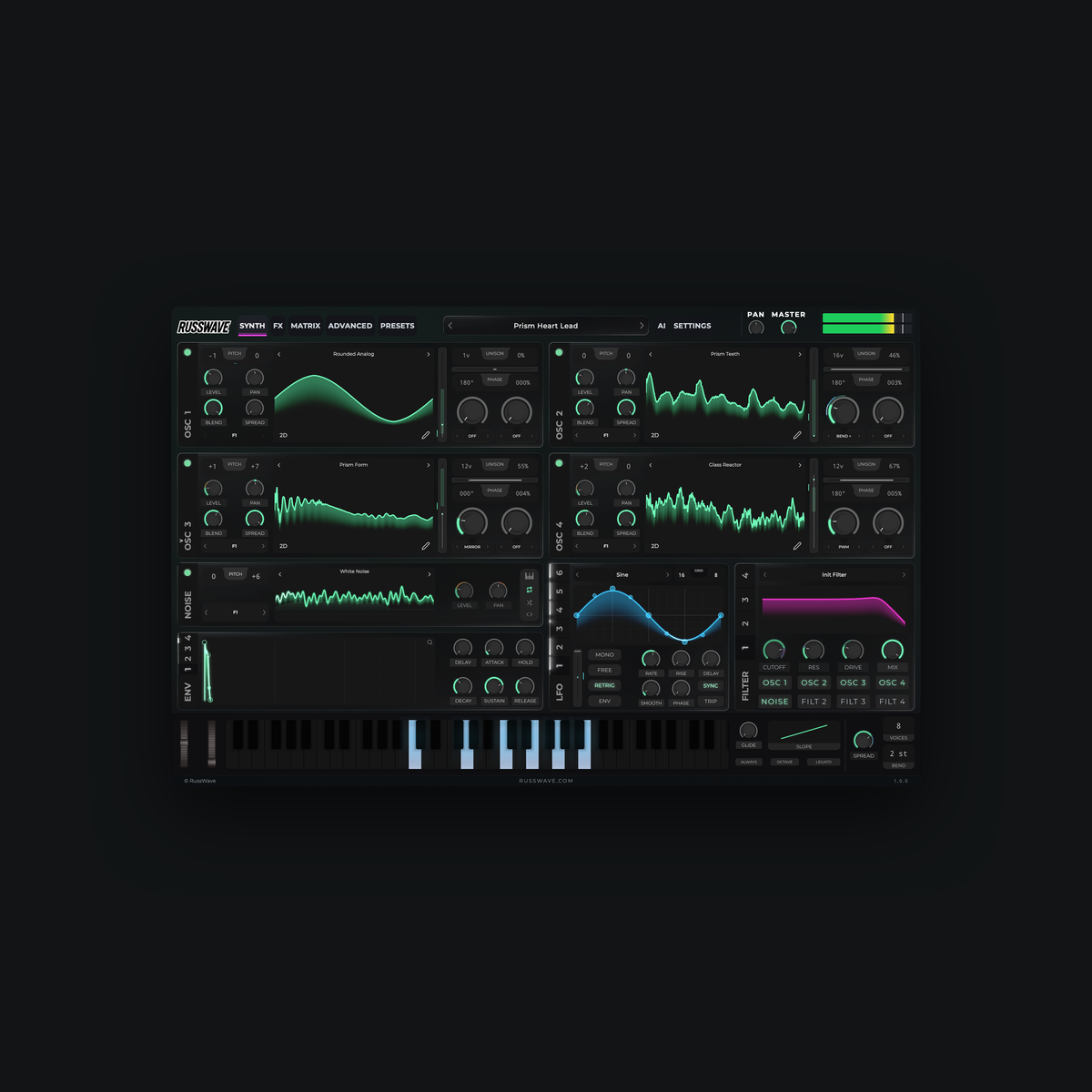
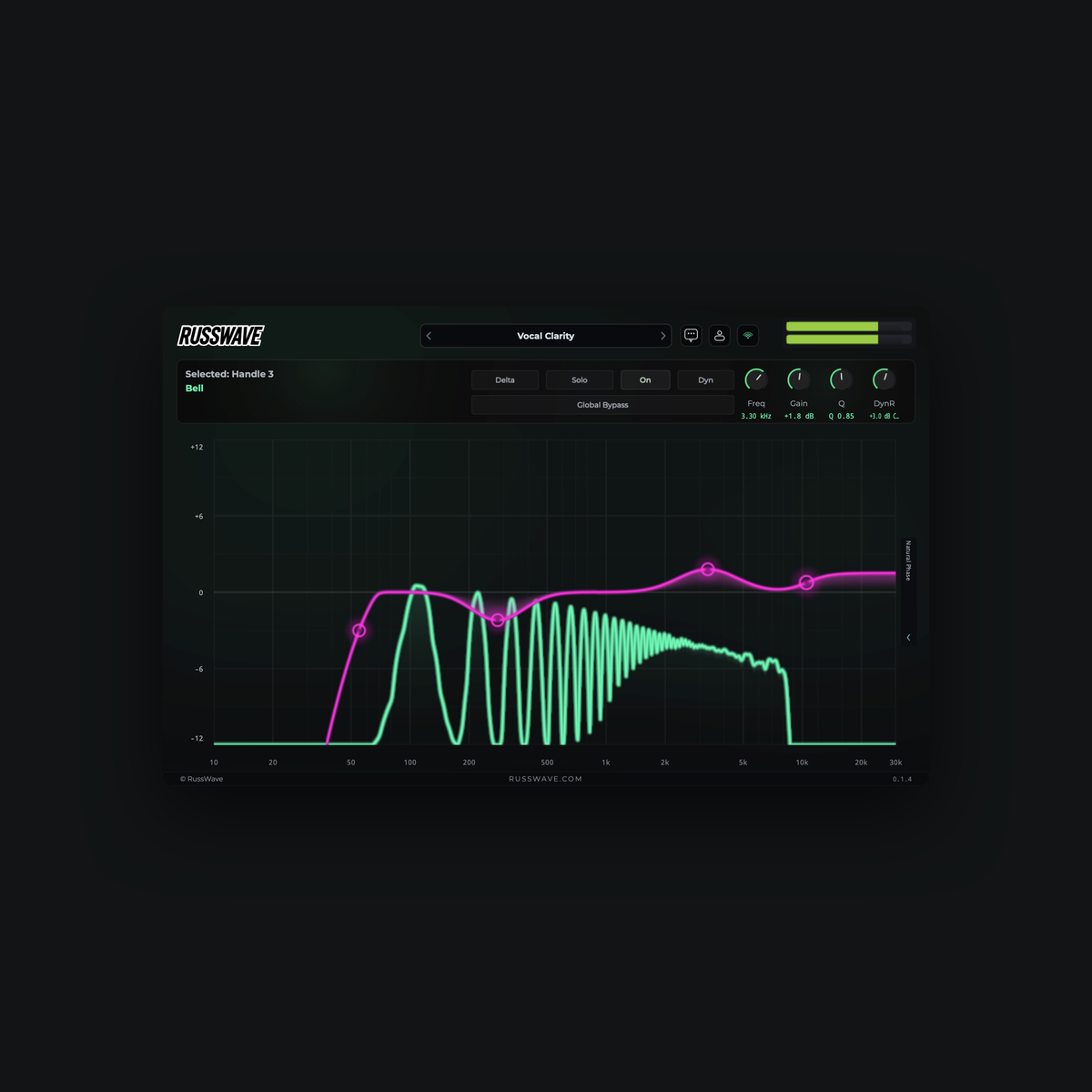
Restart the music program and find the plugin in the plugin list. Load an instrument onto an instrument track or an effect into an effect slot. If the plugin is missing, run a new plugin scan in your DAW.
Open Account in the plugin (in Synthesizer: Settings → Account) and log in with the account linked to your purchase. Activate the account via email if necessary. If you have a license key, follow the activation options.
Windows
Download the Windows version of your product. If the file is zipped, right-click it and select Extract All. Open the folder containing the extracted files.
Double-click the Setup file (EXE; the file extension may be hidden). If Windows asks for administrator approval, click Next.
Read the license agreement. If you accept them, select I accept the agreement and click Next. Also read the installation information displayed in the wizard.
Keep the default settings and default folders unless you have a specific reason to change them. Click Install, and wait for the wizard to finish. Complete by clicking Finish.
Restart the music program and find the plugin in the plugin list. Load an instrument onto an instrument track or an effect into an effect slot. If the plugin is missing, run a new plugin scan and ensure that VST3 is enabled.
Open Account in the plugin (in Synthesizer: Settings → Account) and log in with the account linked to your purchase. Activate the account via email if necessary. If you have a license key, follow the activation options.